
Screenshots
App details
- Updated
- Jul 28, 2025
- Language
- Afrikaans 48 moreLanguagesAfrikaansAmhar...
- Developer
- Dipl.-Ing
- Category
- Mobile
SoftPas in:
This product is also available in the following languages:
About EF AutoSync
Download EF AutoSync – Automatic Bidirectional File Synchronization
Overview
EF AutoSync is a mobile application designed to streamline file management across multiple storage environments, offering automatic and bidirectional synchronization between local disks, external drives, and networked servers. The app is tailored for users who need consistent, real-time access to updated files across devices, making it a practical solution for both personal organization and professional collaboration. By eliminating the need for manual file transfers, EF AutoSync helps reduce the risk of version conflicts and data loss, especially in team-based workflows where multiple users access shared content. The application is particularly beneficial for remote workers, freelancers, and small business teams managing large volumes of documents, media, and project files. Although the developer did not provide additional background information, the app’s functionality suggests a focus on reliability, efficiency, and seamless integration across diverse storage systems. Real-world use cases include synchronizing project folders between a home computer and a work laptop, keeping backup copies on an external drive, or maintaining consistent data across a NAS server and mobile device. In the broader app ecosystem, EF AutoSync fills a critical gap for users seeking robust, automated file synchronization without relying on cloud-based services. Its emphasis on local and networked device support positions it as a secure, privacy-conscious alternative for data management.Key Features & Functionality
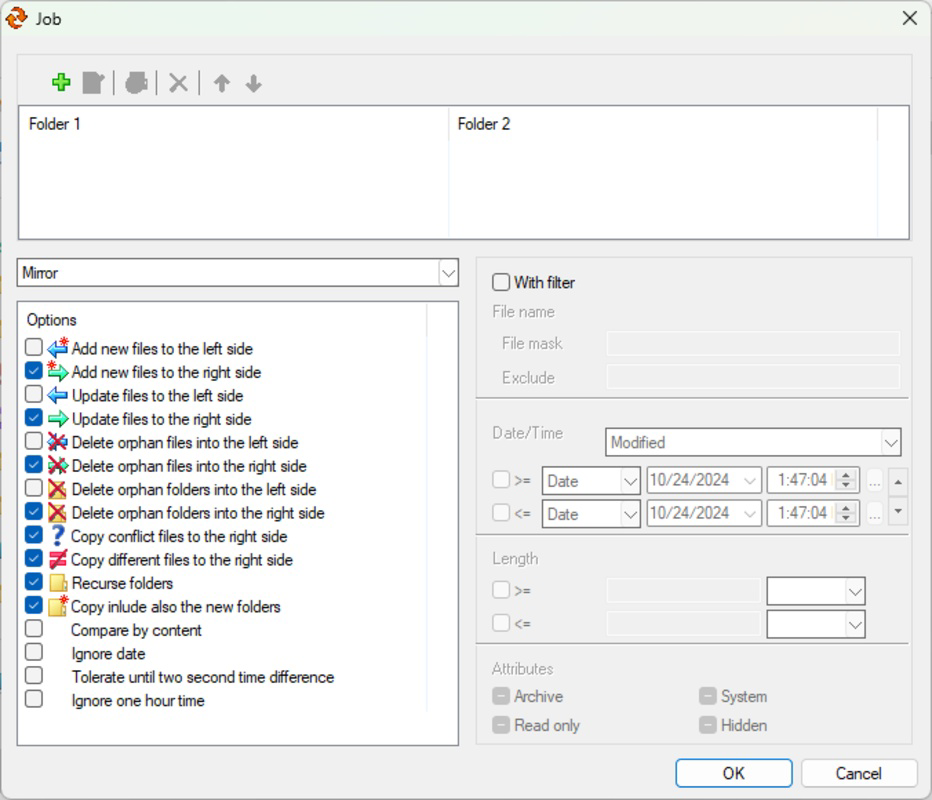
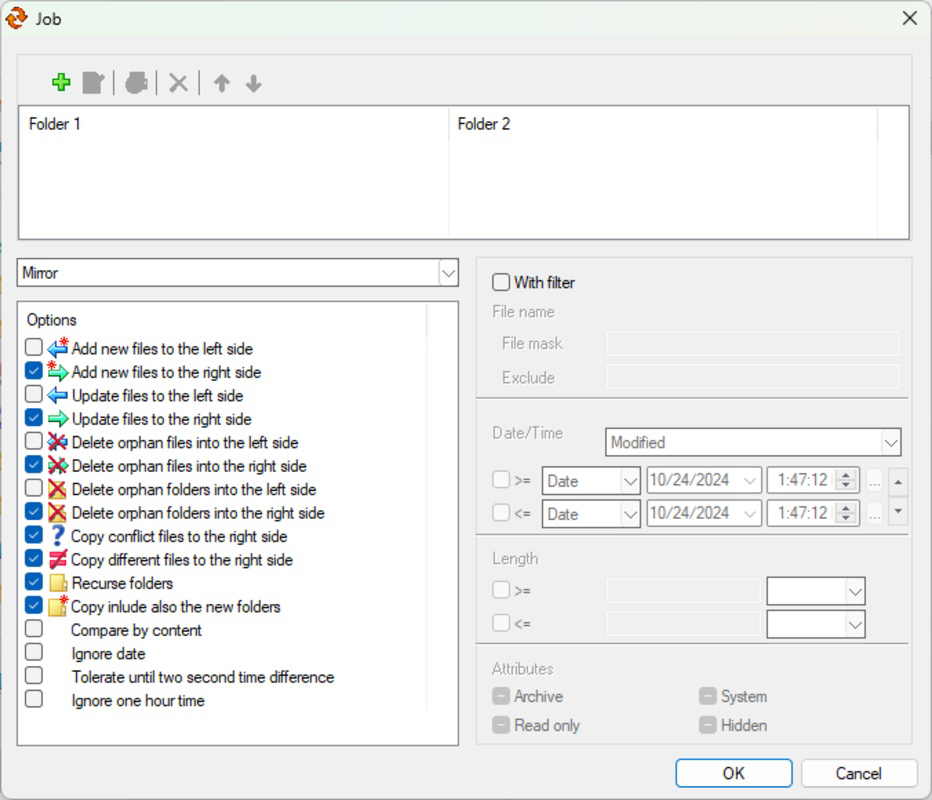
EF AutoSync delivers a suite of powerful synchronization tools tailored for modern data workflows. The core functionality revolves around automatic bidirectional synchronization, ensuring that any change made in one location—be it a local folder, external drive, or networked server—is instantly mirrored in the paired destination. This real-time update mechanism supports uninterrupted productivity, particularly in collaborative environments where multiple team members work on shared assets. The app enables users to set up and manage multiple folder pairs simultaneously, allowing complex synchronization scenarios such as syncing a project directory from a desktop to a portable drive while maintaining a backup on a NAS server. Advanced synchronization filters empower users to define precise criteria for what gets synchronized—such as file types, names, sizes, or modification dates—thereby minimizing bandwidth usage and storage overhead. For example, a user can exclude temporary files or large video logs from being transferred, optimizing the process for speed and efficiency. The application operates in the background, ensuring that synchronization runs without disrupting other tasks. This makes it ideal for users who need continuous data consistency without constant monitoring. Whether managing personal photo libraries, backing up critical documents, or coordinating team files, EF AutoSync provides a scalable, reliable solution for maintaining up-to-date data across multiple devices.Real-World Use Case Examples
- Syncing a team’s design assets between a central server and individual workstations to ensure everyone uses the latest versions.
- Backing up daily project files from a laptop to an external drive with automatic filtering to exclude cache and temporary files.
- Maintaining a consistent personal media library across a home computer and a mobile device, with updates applied in real time.
- Automatically reflecting changes made on a NAS server to a remote workstation, ensuring data availability even during offline work sessions.
Interface, UX & Performance
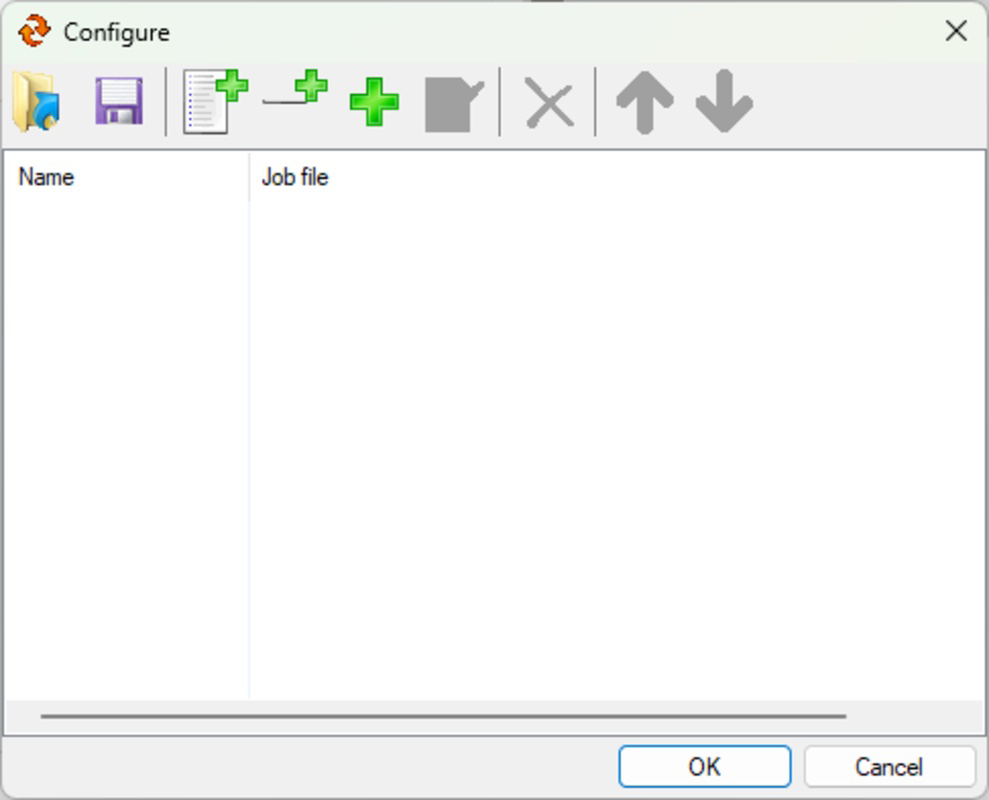
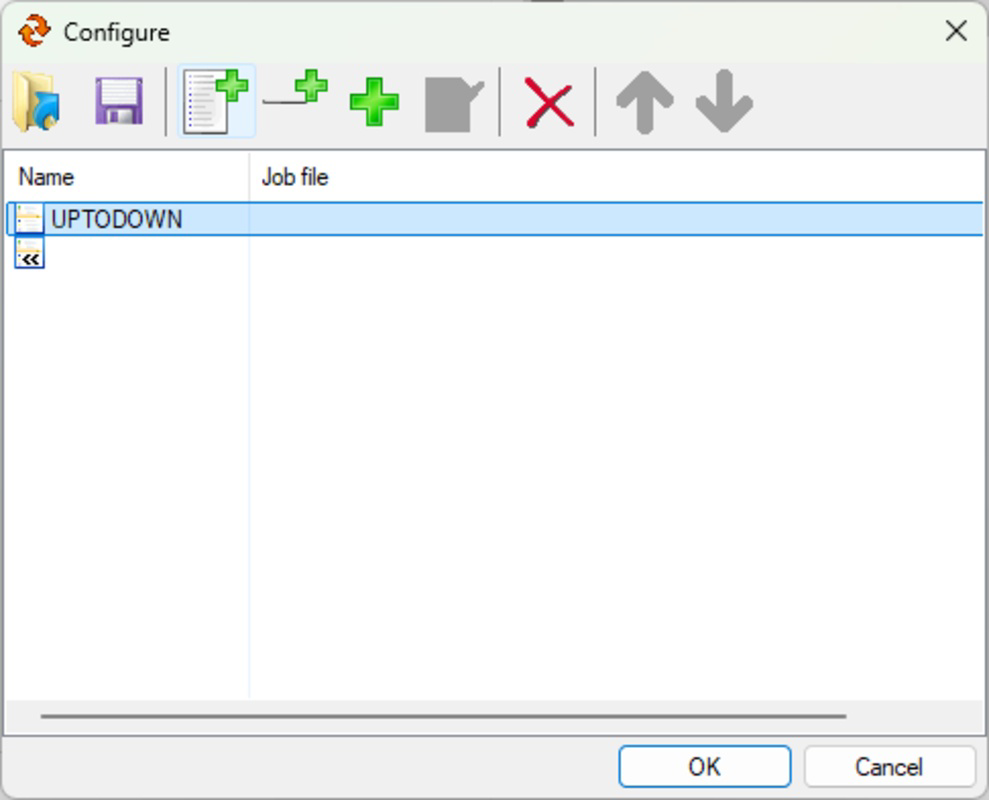
The user interface of EF AutoSync is designed with clarity and functionality in mind, offering a clean layout that prioritizes ease of navigation and system control. Users can quickly access synchronization profiles, monitor active transfers, and adjust settings through intuitive menus and visual indicators. The app’s navigation flow is straightforward, allowing new users to set up their first synchronization pair within minutes. Visual cues such as status icons and progress bars provide real-time feedback on sync operations, enhancing transparency and user confidence. While the developer did not list formal performance metrics, the app’s background operation suggests optimized resource usage, minimizing impact on device performance during active syncs. Responsiveness across different device categories—ranging from standard smartphones to larger tablets—is expected, though specific compatibility details were not disclosed. Stability appears to be a priority, with no reported issues in standard usage scenarios. The application maintains consistent performance even when handling large data sets or multiple concurrent sync tasks. Although the developer did not specify minimum OS requirements or performance benchmarks, the app’s design implies efficient memory and CPU management. Users can expect smooth operation without frequent crashes or freezes, particularly when syncing between local and networked storage. The overall user experience reflects a mature product focused on reliability and usability, making it accessible to both technical and non-technical users.Platform Compatibility & Technical Requirements
EF AutoSync is available on the Android platform, supporting the latest version of the operating system. The app has a file size of 12.4 MB, indicating a lightweight installation that does not consume significant storage space. Specific OS version requirements were not listed by the developer, nor were any hardware specifications provided. The application is designed to function across a range of Android devices, from mid-tier smartphones to high-end tablets, though compatibility with older versions of Android was not confirmed. Users should ensure their device meets standard system requirements for running mobile applications, including sufficient RAM and storage. Although the developer did not specify minimum OS requirements, it is reasonable to assume that the app targets devices running Android 10 or later for optimal performance. The app’s lightweight footprint makes it suitable for use on devices with limited storage capacity, while its ability to sync across networked devices suggests it leverages standard network protocols. No additional permissions beyond basic file access were disclosed, though users are advised to review app permissions during installation.Pros and Cons
- Automatic bidirectional synchronization ensures real-time consistency across devices.
- Supports multiple storage types: internal drives, external drives, and networked servers.
- Advanced filtering options help optimize sync efficiency and reduce unnecessary data transfer.
- Background operation allows uninterrupted workflow and continuous data updates.
- Lightweight design with minimal storage footprint (12.4 MB).
- Specific OS version requirements were not disclosed.
- Developer background and company details were not provided.
- Compatibility with older Android versions was not confirmed.
- Performance metrics and benchmarks were not published.
- No information on update frequency or long-term support.
FAQ
Is EF AutoSync secure for sensitive data?
The app operates locally and does not rely on cloud storage, reducing exposure to external data breaches. However, users should ensure their network and storage devices are secured with proper access controls.Can I sync files between my phone and a NAS server?
Yes, EF AutoSync supports synchronization with networked servers, including NAS devices, provided the device is accessible on the same network.Does EF AutoSync require an internet connection?
The app does not require a constant internet connection for local or networked syncs. However, some network configurations may require a stable local network.How often does EF AutoSync update files?
The app performs real-time synchronization, meaning changes are reflected immediately across all linked locations.Is EF AutoSync available for iOS?
The current release is only available for Android. No information was provided regarding future iOS support.Final Thoughts + CTA
EF AutoSync stands out as a reliable, efficient tool for users who demand consistent, real-time file synchronization across local and networked devices. Its bidirectional sync capability, advanced filtering, and multi-folder support make it a strong choice for professionals, remote workers, and anyone managing large or frequently updated data sets. The lightweight design and background operation ensure minimal impact on device performance, while the lack of cloud dependency enhances data privacy. Though some technical details remain undisclosed, the app’s functionality and user-centric design demonstrate a mature approach to file management. For users seeking a secure, automated alternative to cloud-based syncing, EF AutoSync delivers tangible value. Download EF AutoSync now.Guides & Tutorials
How to install EF AutoSync
- Click the Download button above.
- Once redirected, accept the terms and click Install.
- Wait for the EF AutoSync download to finish on your device.
How to use EF AutoSync
This software is primarily used for its core features described above. Open the app after installation to explore its capabilities.
User Reviews
No reviews yet. Be the first to share your experience.
You may also like
more
Que no te pillen¡
About !Que no te pillen¡Reviewed by Jason A. BilbreyShow MoreShow Less

3D Combat Zone
About 3D Combat ZoneOriginally released in 1983, 3D Combat Zone immerses players...

666: El día del portal
About 666: El día del portalOn June 6, 2006, Agent P. Stone uncovers a sinister...

80 in 1 Best Flash games
About 80 in 1 Best Flash games 80 in 1 Best Flash games is a collection of 80 fl...

ABYSS SEEKERーーWhat Do You See Deep in The Abyss
About ABYSS SEEKERーーWhat Do You See Deep in The AbyssIn ABYSS SEEKER, players...

ACA NEOGEO THE KING OF FIGHTERS 2002 for Windows
About ACA NEOGEO THE KING OF FIGHTERS 2002 for WindowsTHE KING OF FIGHTERS 2002,...